

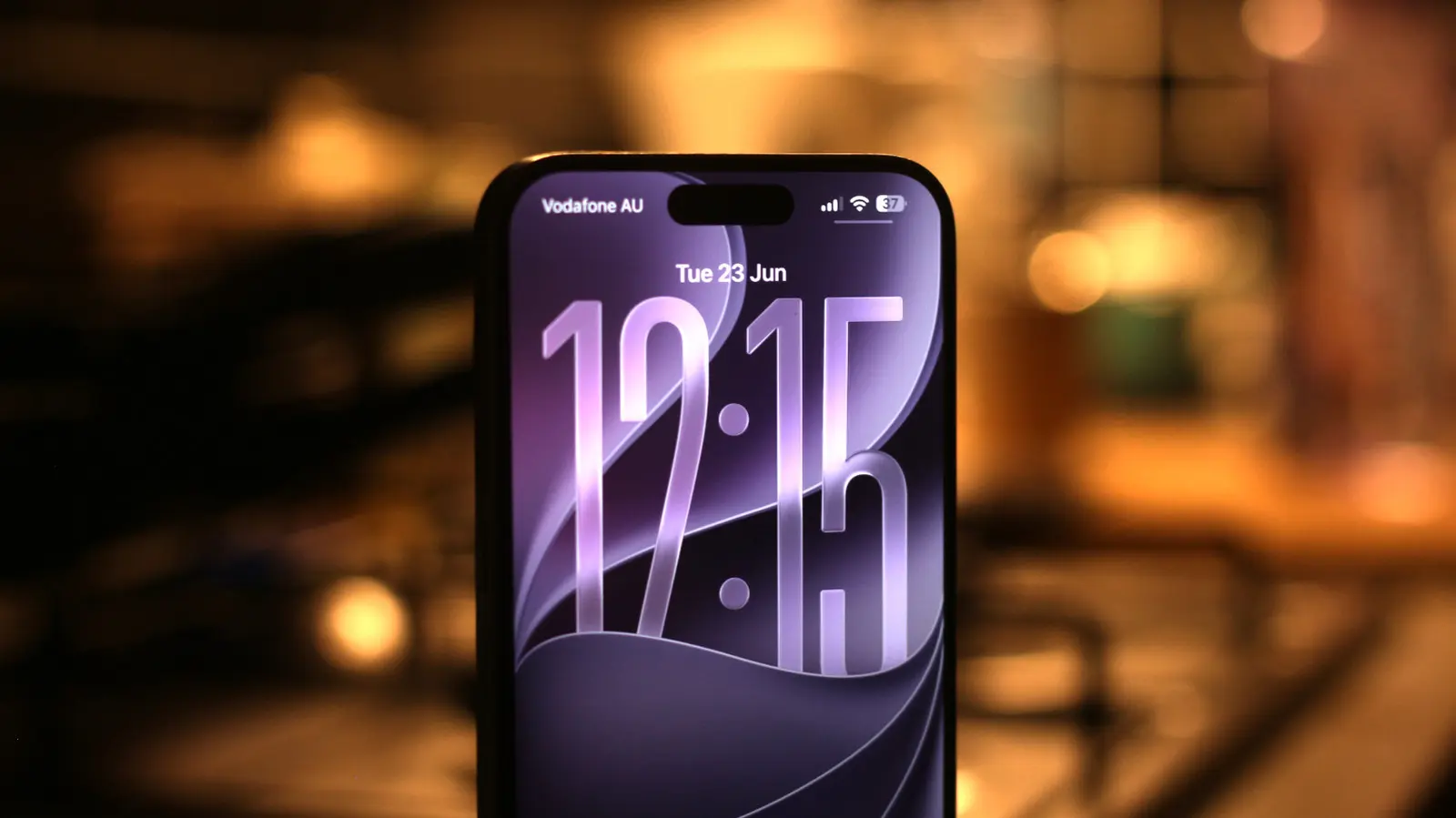
Every year, Apple unveils its latest operating system updates at the Worldwide Developers Conference (WWDC). Last year's iOS 26 introduced the Liquid Glass design system, a radical visual overhaul that brought transparent, physics-driven elements to the interface. While visually striking, the rollout was plagued by performance issues, bugs, and battery drain. Many users found the transparency effects to be distracting and detrimental to readability. Apple spent months dialing back the intensity, but the compromise left both enthusiasts and critics unsatisfied.
This year, with iOS 27, Apple has taken a different approach. The company explicitly positioned the update as a stability release, focusing on refining the foundation rather than adding many flashy new features. This decision has been widely welcomed, especially after a year of frustrations with iOS 26. The first developer beta, released in June, shows tangible improvements in speed, responsiveness, and reliability. While iOS 27 does bring a handful of noteworthy features, its core value lies in making the iPhone experience smoother and more dependable.
Siri AI
Perhaps the most anticipated feature in iOS 27 is the overhauled Siri, now branded as Siri AI. For years, Apple's voice assistant lagged behind competitors like Google Assistant and Amazon Alexa. The launch of Apple Intelligence in 2024 promised a new era, but users had to wait through two more iOS versions before seeing meaningful improvement. With iOS 27, Siri finally catches up. Using advanced language models, likely assisted by Google's Gemini technology, Siri AI can understand context better, maintain conversation flow, and integrate deeply with Apple's ecosystem.
For example, when asked about upcoming events, Siri can scan your Calendar, Reminders, and Notes to provide a comprehensive answer. The assistant can also perform multi-step tasks, such as sending a message and then setting a reminder based on the conversation. The new summon gesture—a swipe down from the top center—makes accessing Siri AI simpler, especially on iPhones with a Dynamic Island. While third-party app support remains limited, Apple has promised that future updates will expand Siri's capabilities. Siri AI is available on all iPhones compatible with iOS 27, but devices with the A17 Pro chip or newer will get a more personalized and powerful version.
Performance and stability improvements
The most critical improvement in iOS 27 is under the hood. Apple claims the update brings over 40 performance optimizations. In real-world testing, the difference is immediately noticeable. Animations that used to stutter on iOS 26 now run smoothly. Apps open faster, multitasking is more responsive, and even older devices like the iPhone 11 benefit from the new CPU scheduler. This scheduler prioritizes critical tasks while efficiently managing background processes, reducing the perceived lag that plagued the Liquid Glass interface.
AirDrop transfers are up to 80% faster, thanks to optimized networking stacks. The Photos app now loads images almost instantly, and Safari's boot time has been cut significantly. These improvements are particularly important because iOS 26's performance issues were not just limited to older hardware. Even the iPhone 15 Pro Max, with its powerful A17 Pro chip, experienced frame drops during simple gestures. iOS 27 resolves these problems, making the iPhone feel fast and fluid again.
New child safety and Screen Time tools
Apple has long been a leader in privacy, and iOS 27 extends that focus to child safety with several new features. For parents managing Child Accounts, the new 'Ask to Browse' feature requires parental approval before a child can visit any website. Communication Safety, which automatically blurs sensitive content in Messages and FaceTime, has been expanded to include violence and nudity detection. Apple is also encouraging third-party app developers to integrate this API, extending protection beyond Apple's own apps.
A standout addition is 'Time Allowances', which lets parents set shared or category-specific screen time limits. For example, a parent can allocate one hour total across all social media and games, while allowing unlimited time in educational apps. This granular control is a significant step up from the previous Screen Time settings. Additionally, the new Siri AI can scan security camera footage and generate descriptions, helping parents quickly check for important events without viewing hours of video. All processing that requires cloud access uses Apple's Private Cloud Compute, ensuring privacy is not compromised.
A more customizable Liquid Glass experience
The Liquid Glass design language was the most polarizing aspect of iOS 26. While some users loved the dynamic transparency, many found it reduced readability and caused eye strain. In iOS 27, Apple introduces a system-wide slider that lets users adjust the intensity of the Liquid Glass effect. This can be set from full transparency—matching what Apple originally showcased—to a frosted glass look that prioritizes legibility.
This customization, combined with the performance improvements, makes iOS 27 far more pleasant to use. Another important change is that all third-party apps are now required to support the new keyboard design introduced in iOS 26. Previously, many apps used third-party keyboards or the old iOS keyboard, breaking the visual consistency. With iOS 27, Apple enforces the Liquid Glass keyboard, ensuring a cohesive experience across the system.
Other changes in iOS 27
Beyond the major features, iOS 27 includes several smaller but welcome changes. Siri now has its own app, storing conversation history and allowing users to revisit previous queries. The Messages app gains contextual quick actions: if a friend asks you to pick something up, a tap lets you create a Reminder. Call Context shows relevant information—like calendar events or recent messages—during phone calls.
The Photos app, already faster, gains two new AI editing tools: Extend, which expands image boundaries using generative AI, and Reframe, which subtly shifts the perspective. The existing Clean Up tool now offers a 'High Quality' mode that offloads processing to the cloud. On the lock screen, the clock can be minimized to sit inline with the date, giving wallpaper more space. Switching between lock screens is also quicker. While the first developer beta has its share of bugs, the overall stability and speed inspire confidence that the stable release later this year will be one of the most polished iOS versions in recent memory.
Source:SlashGear News