

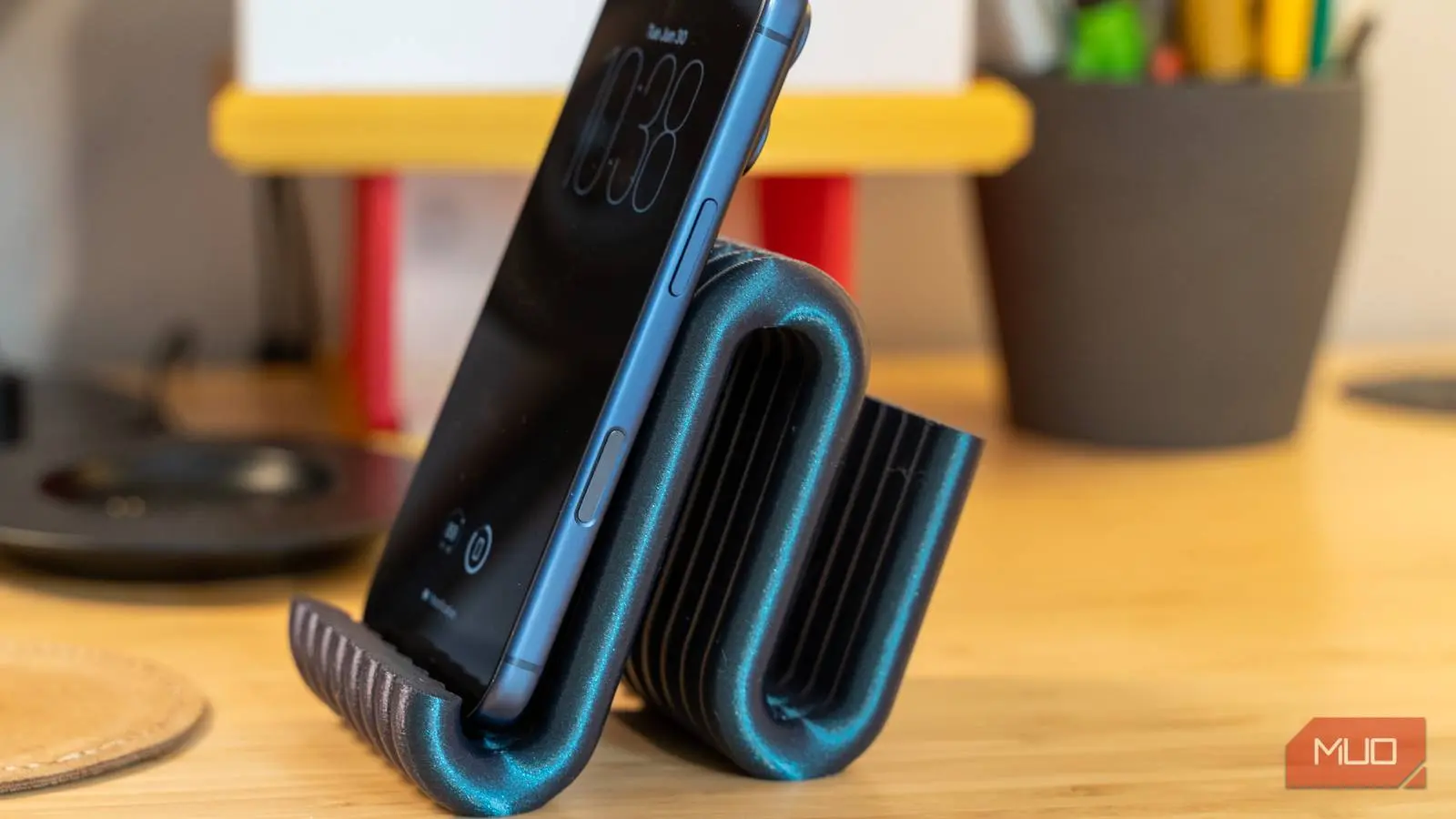
Buying a new phone stand every time your device changes or the old one cracks feels like a repetitive, unnecessary expense. A decent stand costs $15 to $30, plus shipping, and you're back on a marketplace scrolling through plastic blocks. But the reality is that the machines and files needed to make your own have become so cheap and accessible that purchasing another stand no longer makes sense.
This is cheaper than you think
A printer will pay for itself after a few things
The cost of getting started with 3D printing has dropped significantly. A beginner-friendly FDM printer, which uses melted plastic filament, typically costs between $150 and $500. Even cheaper options exist, but they may lack features like auto bed leveling and fast print speeds that were once exclusive to high-end machines. Many libraries now offer 3D printers for hourly or per-gram use, eliminating the upfront cost altogether. If you plan to print regularly, buying a printer pays for itself after just a few items.
The math is straightforward: PLA filament, the go-to for beginners, costs $20 to $30 per kilogram, which breaks down to about two to three cents per gram. A phone stand uses 15 to 30 grams of filament, so the material cost ranges from 30 to 50 cents. Compare that to retail prices of $20 to $30—markups of up to 4,000%. Electricity costs are negligible, often less than a dime per print. Once you make three or four items, the printer is essentially free.
Finding and printing designs is pretty simple
Free sites and slicing software do the heavy lifting
You don't need to be a CAD expert. Websites like Thingiverse, Printables, and search engines like Yeggi host thousands of free 3D models for phone stands, mounts, and docks. You can find designs that fold open directly off the print bed, dual‑angle desk stands, car dashboard mounts, or charging docks with cable routing slots. Once you download an STL file, you need to process it with slicing software such as Cura or PrusaSlicer. The slicer converts the 3D model into G‑code—the instructions the printer follows.
For a phone stand, you typically set infill between 10% and 30% using patterns like gyroid or cubic to save material while maintaining strength. Adding two or three outer wall layers ensures durability where the phone slides in and out. The slicer estimates print time; most phone stands finish in under an hour. This process makes customization effortless—you can tweak the design in free tools like Tinkercad if you want a personalized fit or color.
The plastic you choose makes a big difference
You will probably ruin a few prints at first
PLA is easy to print with and rigid, but it becomes soft above 130 degrees Fahrenheit. A PLA phone mount left in a hot car will warp. PETG offers better impact resistance and slight flexibility, while ABS handles higher temperatures but shrinks during cooling, causing warping. First‑layer adhesion is critical. Clean the build plate with dish soap and isopropyl alcohol, set the Z‑offset correctly, and disable the cooling fan for the first few layers. Even small mistakes can ruin a print, wasting filament and time. Starting with PLA is recommended; once you master it, experiment with PETG for more durable outdoor use.
Don't waste your money on a premium stand again
3D printing requires patience. You will waste a few prints dialing in bed adhesion, and PLA won't survive a hot car no matter how careful you are. For heat or impact resistance, step up to PETG or ABS, each with its own calibration challenges. But for something you might replace or redesign multiple times, the cost savings are undeniable. A printer can produce dozens of custom accessories—phone stands, cable organizers, earbud cases, laptop risers—for pennies each. The initial investment in a printer and filament is recovered after just a few retail purchases, and you gain the freedom to create exactly what you need.
Source:MakeUseOf News